Morse Code Audio Decoder: The Complete Guide to Decoding Sound Into Text
There’s something almost magical about watching a string of beeps turn into real words on a screen. That’s exactly what a morse code audio decoder does — it listens to sound, recognizes the pattern hidden inside it, and converts it into readable text in seconds. Whether you’re a ham radio operator, a curious learner, or someone who stumbled across a mysterious audio file full of beeps, this guide covers everything you need to know.
What Is a Morse Code Audio Decoder?
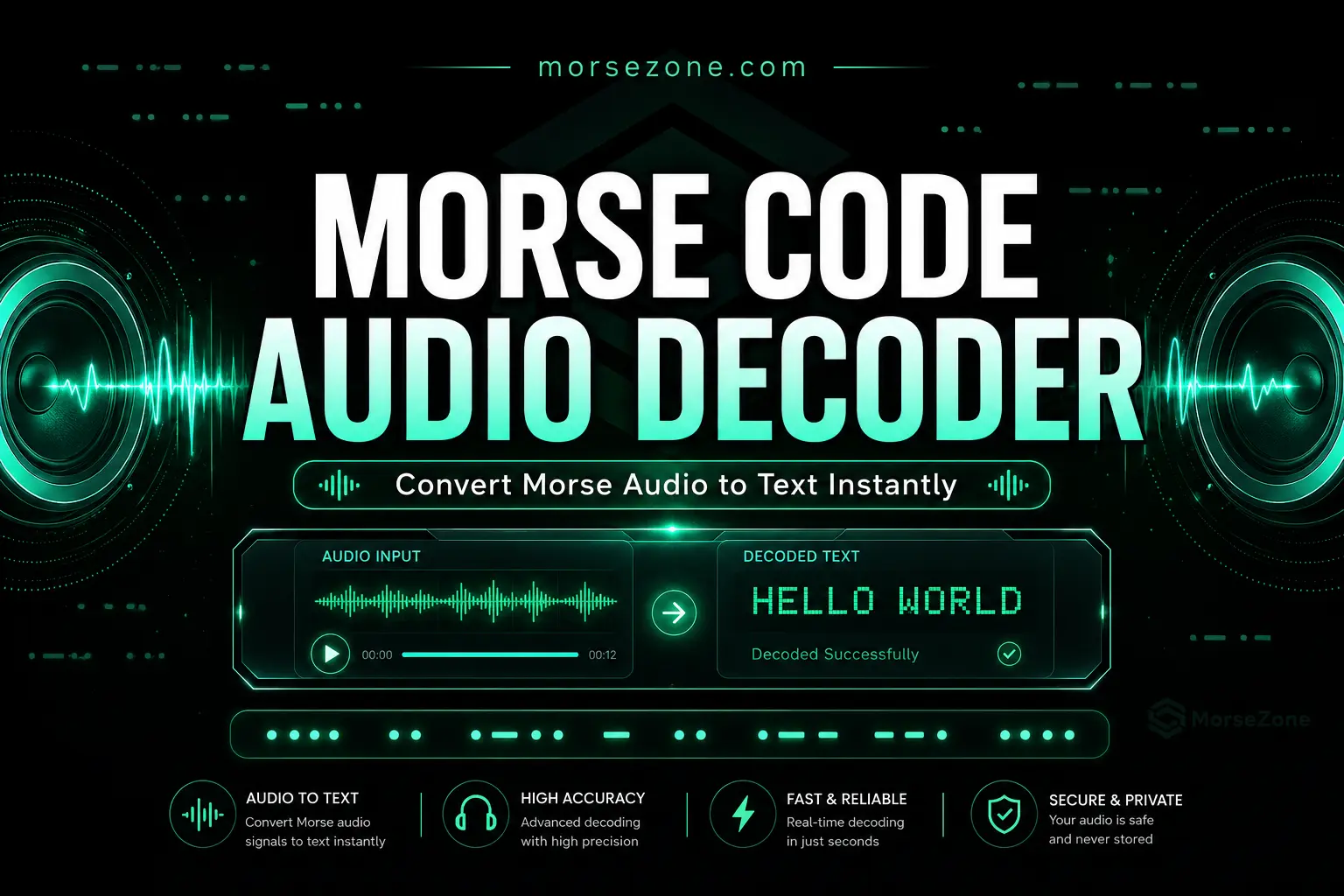
A morse code audio decoder is a tool that listens to or analyzes an audio signal and automatically converts the dots and dashes hidden in the sound into readable letters, numbers, and words. Instead of manually counting beeps and pauses, the decoder does the heavy lifting — turning raw sound into text instantly.
These tools generally work in one of two ways:
- Live microphone decoding — the decoder listens through your device’s microphone in real time and translates the sound as it hears it
- Audio file decoding — you upload a recorded audio file, and the decoder analyzes the file to decode morse code from audio after the fact
Both methods rely on the same basic principle: identifying short signals (dots) and long signals (dashes) based on tone length, then mapping those patterns to the international Morse code alphabet.
How Does an Audio Morse Code Decoder Work?
Understanding how a morse code decoder audio tool actually works helps you choose and use one effectively.
Step 1: Sound Detection The decoder analyzes incoming audio — either live through a microphone or from an uploaded file — and isolates the tone representing the Morse code signal from background noise.
Step 2: Timing Analysis Every dot and dash has a specific duration. The decoder measures the length of each sound burst and the silence between them to determine whether each signal is a short dit or a long dah.
Step 3: Pattern Matching Once the timing is mapped, the decoder groups signals into letters by comparing the pattern against the standard international Morse code chart.
Step 4: Text Output Finally, the matched letters are assembled into readable text, displayed instantly on your screen.
Some advanced tools use what’s called a morse code adaptive audio decoder — meaning the software automatically adjusts to variations in speed, tone pitch, and signal timing rather than requiring a fixed, steady rhythm. This adaptive approach makes decoding far more accurate, especially with human-sent Morse code, which is rarely perfectly consistent.
How to Decode Morse Code Audio: Step-by-Step
If you’re wondering how to decode audio morse code yourself, here’s the simplest path:
Option 1: Decode Morse Code From Audio Using an Online Tool
- Open an online morse code audio decoder in your browser
- Allow microphone access if decoding live, or upload your audio file
- Play the morse code sound near your microphone, or let the tool process the uploaded file
- Watch as the decoder translates the audio morse code into text in real time
Option 2: Decode Morse Code Audio File Manually
If you prefer to decode morse code from audio file content by ear:
- Listen closely to identify the basic unit length (the shortest beep = one dot)
- Count beeps and pauses, classifying each as a dot or dash based on relative length
- Group signals into letters using gaps in sound as separators
- Cross-reference your dot-dash sequences with a Morse code chart
Manual decoding builds genuine skill, but for speed and accuracy, most people turn to a dedicated morse code decoder audio to text tool instead.
Best Morse Code Audio Decoder Options
When searching for the best morse code audio decoder, you’ll generally find these categories:
Online Morse Code Audio Decoders
A morse code audio decoder online works directly in your browser — no downloads, no installation. You simply visit the site, grant microphone access (or upload an audio file), and the decoder processes the sound instantly. This is the most accessible option for casual or one-time use, and most online morse code decoder audio to text tools are free.
Morse Code Audio Decoder Apps
A dedicated morse code audio decoder app installs directly on your phone or tablet. These apps often include extra features like:
- Saved decoding history
- Adjustable sensitivity for noisy environments
- Built-in Morse code translator for typing and converting text back into sound
- Offline functionality, useful in areas without reliable internet
Desktop Software Decoders
For more serious or technical use, desktop programs offer deeper control. A morse code audio decoder mac application, for example, can run continuously in the background, monitoring an audio input for incoming signals — ideal for ham radio operators actively listening on a designated frequency.
Python Morse Code Audio Decoders
For developers and hobbyists, a python morse code audio decoder is a popular DIY option. Using audio processing libraries, a Python script can:
- Capture live audio input
- Apply signal filtering to isolate the relevant tone
- Measure timing to classify dots and dashes
- Output the decoded text directly to the console or a file
Building your own python morse code audio decoder is also a great learning project if you’re interested in signal processing, as it combines audio engineering with classic Morse code logic.
Raspberry Pi Morse Code Decoders
A morse code audio decoder raspberry pi setup is popular among radio hobbyists who want a dedicated, low-power, always-on decoding station. By connecting a microphone or direct audio feed from a radio receiver to a Raspberry Pi running decoder software, operators can continuously decode morse code audio without tying up a full computer.
Morse Code Audio Decoder Tools Worth Knowing
When evaluating any morse code audio decoder tool, look for these features:
Noise filtering — Background static and interference can confuse a decoder. Good tools filter out irrelevant noise before analyzing the signal.
Adjustable sensitivity — Since signal strength varies depending on source, the ability to manually tune sensitivity improves accuracy significantly.
Real-time and file-based modes — The best morse code audio decoder tools support both live microphone decoding and the ability to decode morse code from audio file uploads.
Visual waveform display — Seeing the audio waveform alongside the decoded text helps you verify accuracy and troubleshoot if something looks off.
Export and download options — A morse code audio decoder download option lets you save decoder software locally rather than relying on browser-based tools every time.
Common Uses for a Morse Code Audio Decoder
People reach for an audio morse code decoder for all kinds of reasons:
Amateur radio operators use decoders to assist with copying transmissions, especially at high speeds or when learning to recognize patterns by ear is still a work in progress.
History and puzzle enthusiasts often need to decode morse code audio from old recordings, escape room clues, or puzzle games that hide messages in beeping sound files.
Students and hobbyists learning Morse code use decoders as a verification tool — sending a message themselves, then checking the decoder’s output against what they intended to communicate.
Content creators and educators use code audio decoder tools to quickly translate sound clips for tutorials, videos, or teaching materials without manually counting every beep.
Tips for Getting Accurate Results From a Morse Code Decoder
Even the best morse code audio decoder performs better when you follow a few simple practices:
Reduce background noise — Decode in a quiet environment, or use a directional microphone if working with live audio input.
Keep volume consistent — Sudden volume spikes or drops can confuse timing-based detection, leading to incorrect dot/dash classification.
Use clean audio files — When you decode morse code from audio file sources, higher audio quality with minimal distortion produces far more accurate text output.
Adjust for sending speed — If a human is sending the Morse code, expect some natural variation in timing. An adaptive audio decoder handles this better than a rigid, fixed-timing tool.
Double-check with a Morse code translator — After decoding, run questionable segments through a standard Morse code translator to confirm accuracy, especially for important or sensitive messages.
Morse Code Audio Decoder vs Manual Decoding
| Method | Speed | Accuracy | Best For |
| Online decoder | Fast | High (clean audio) | Quick, casual decoding |
| Decoder app | Fast | High | Mobile, on-the-go use |
| Python/DIY decoder | Moderate | Customizable | Developers, hobbyists |
| Manual decoding | Slow | Skill-dependent | Learning, ham radio practice |
Using a decoder tool doesn’t replace learning Morse code by ear — but it dramatically speeds up the process and provides a reliable way to double-check your own decoding skills as you improve.